
Your quote on WhatsApp, as a link you can track and get approved
Your clients are on WhatsApp, so why send them a file you can't follow? Send a link with your logo: know the moment it's opened, and let them approve it by name.
How does it work?
- 1
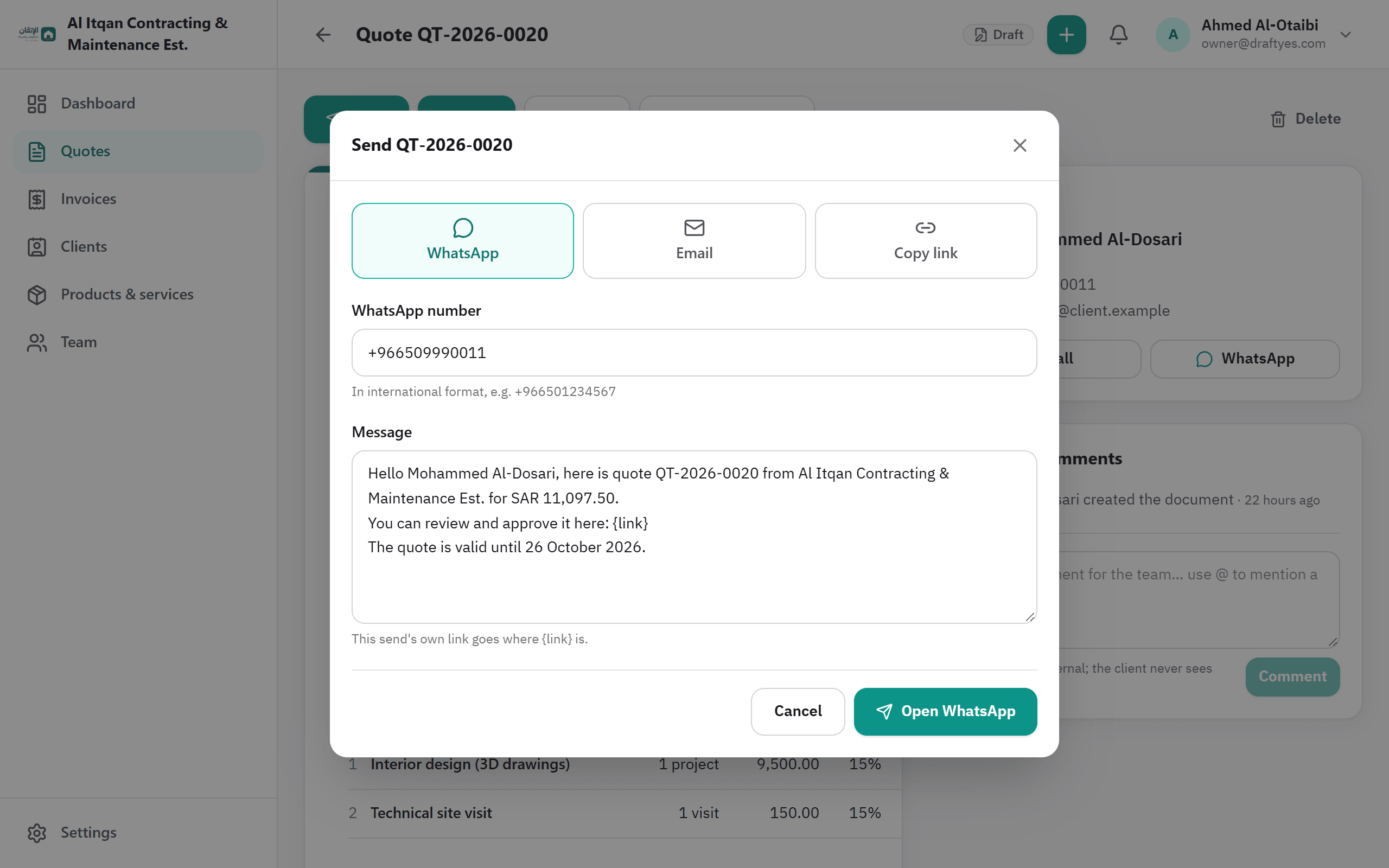
Click "Send", then "WhatsApp"
We prepare the message with the client's number and name, the quote number and amount, and a link unique to this send.
- 2
WhatsApp opens with your message
On your phone or computer, you review it and press "Send" yourself. No API, no fees.
- 3
Follow up from DraftYes
See when the client opened the link, and get notified when they approve or decline.
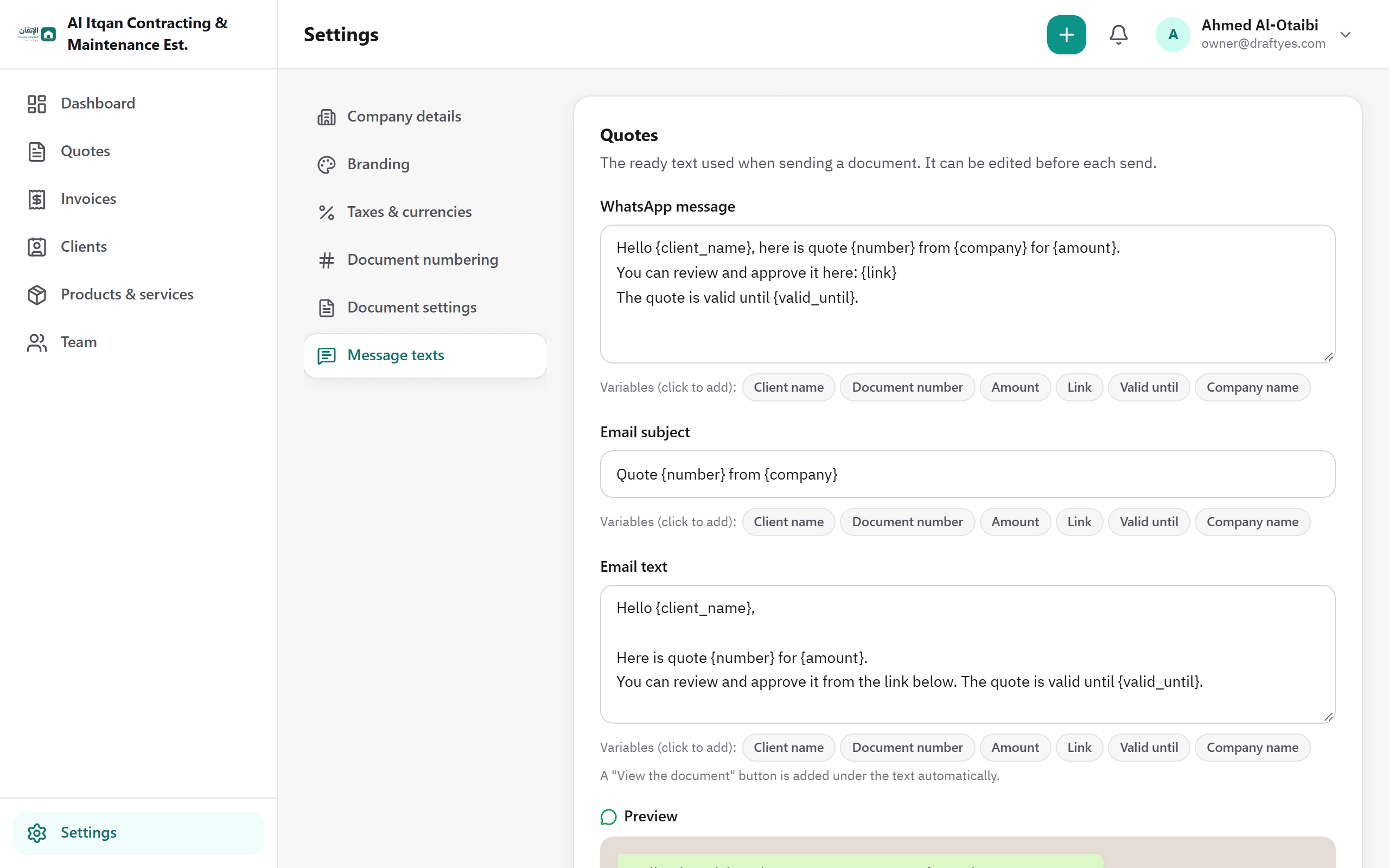
A ready-made message you can edit
Write your message once in settings, with the variables you need: client name, quote number, amount, expiry date, link.
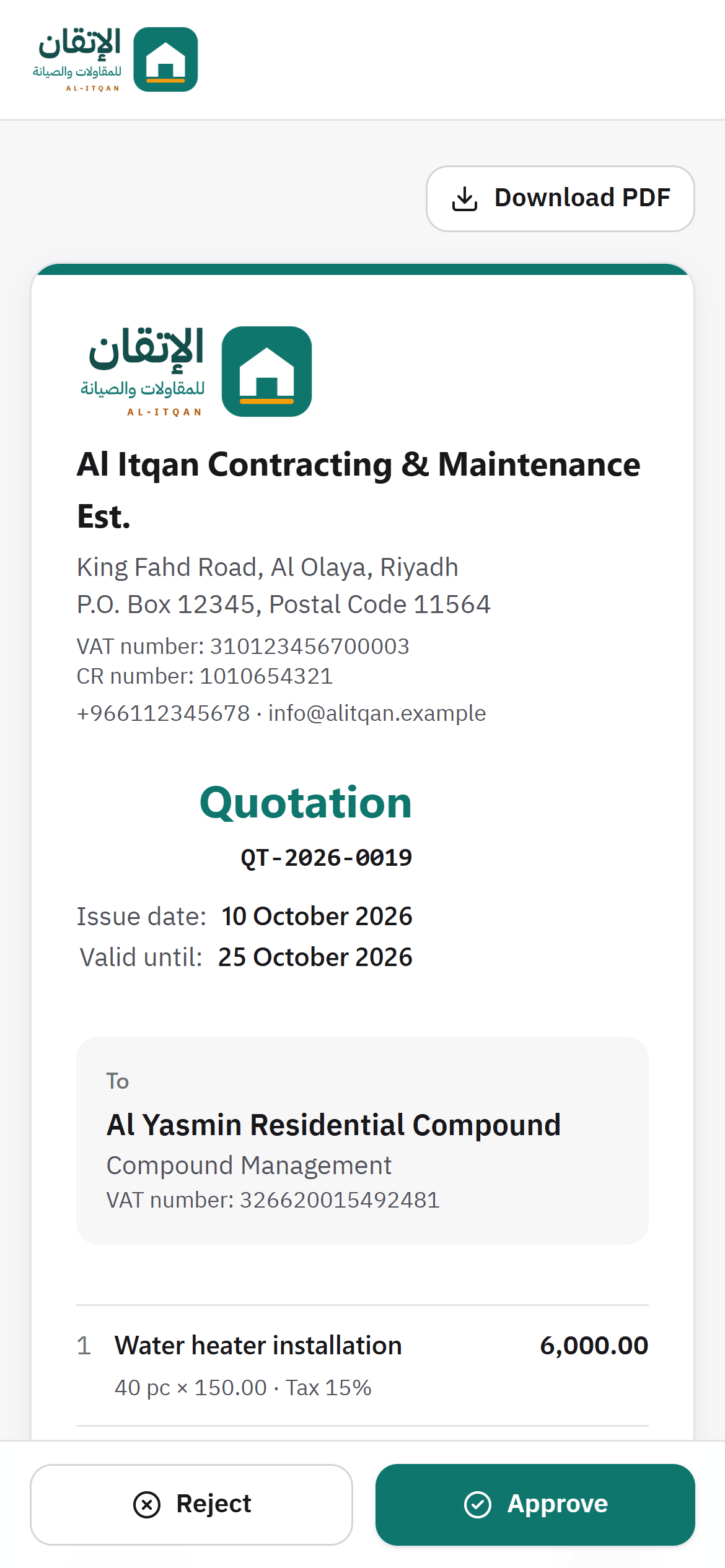
A clean WhatsApp preview
The link preview shows only your company logo, the quote number and the amount. And the preview doesn't count as a view, because it isn't your client.
Do I need the WhatsApp Business API?
No. DraftYes opens regular WhatsApp or WhatsApp Business with a ready-made message, and you press "Send" yourself. Completely free.
Does the client need to download an app?
No. The link opens straight in their phone's browser, and they approve without signing up.
What if I send the quote to more than one person?
Every send has its own link, so you know exactly who opened the quote.
Your next quote… will it be approved faster?
Create your account in under a minute and send your first quote on WhatsApp today.
Free forever · No credit card · Upgrade whenever you need